 AI Meeting Notetaker
 Integration guide · Discord
How to post Microsoft Teams meeting notes to Discord
AI Meeting Notetaker posts every recorded Teams meeting to a Discord channel with an embed: summary, action items, preview image and links to the transcript.
- ✓ 5 meetings free
- ✓ No Copilot license
- ✓ No bot in your calls
Preview — exactly what we'll send
What arrives in Discord after a meeting — generated by the same code that sends it.
Firewall migration moves to next Tuesday; backup alerts will go to the on-call rota. Priya approves the change freeze by Friday.
Action items
- Send the revised migration window — Jon
- Approve the change-freeze exception — Priya
Links
Open notes & transcript · Open in AI Meeting Notetaker
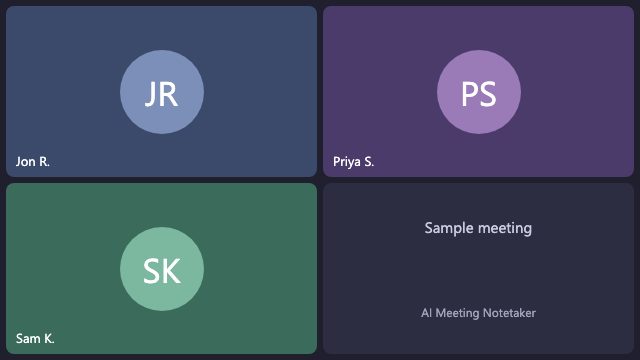
Fri, Nov 6, 17:39 UTC · 47 min · 2 action items · AI Meeting Notetaker
The problem
What people run into
- Meeting notes from Teams don't reach your Discord community or team
- Writing up every call by hand
With AI Meeting Notetaker
- Works from the recording Teams already saves — no Graph setup
- Full transcript (.docx + .txt), summary and action items
- Automatic after every recorded meeting — nobody copies anything
- No Copilot or Teams Premium license, no bot in the call
Step by step
How to set it up (about a minute)
- 1Sign in to AI Meeting Notetaker with your Microsoft account — 2 clicks, no admin consent.
- 2Open Integrations → Discord.
- 3In Discord: channel → Edit Channel → Integrations → Webhooks → New Webhook.
- 4Click Copy Webhook URL, paste it into AI Meeting Notetaker and click Connect.
- 5Done. Every recorded Teams meeting is delivered automatically from now on.
FAQ
Discord: common questions
Do I need Microsoft Copilot or Teams Premium?+
No. We transcribe and summarize the recording ourselves, so no Copilot or Teams Premium license is needed — only Teams meeting recording turned on.
Does a bot join my meetings?+
No. Nothing joins the call. We read the recording Teams saves to the organizer's OneDrive after the meeting.
How much does it cost?+
Your first 5 meetings are free (your 3 latest recordings and your next 2 meetings). After that it's $0.99 per meeting on a monthly plan of 10, 30 or 90 meetings — every integration is included.
Related guides
 Post every Teams meeting's notes to a Teams channel
 Post Microsoft Teams meeting notes to Slack
 Post Microsoft Teams meeting notes to Google Chat
Set up Discord in about a minute.
Your first 5 meetings are free.